Financial Data API for AI Agents
Ask Claude "what is Apple's P/E ratio?" and it gives you a number from its training data, which could be six months old. Ask it with viaNexus connected and it calls the API mid-conversation, pulls the live value, and answers from today's data. That is what an MCP connection does: it turns a language model into something that can look things up in real time.
How the connection works
What MCP actually is
MCP (Model Context Protocol) is a standard that lets an AI client call external tools during a conversation. The client (Claude, Cursor, or anything MCP-compatible) sends a request to viaNexus's endpoint. viaNexus runs the query, returns the result, and the agent reasons over it. The human never copies and pastes anything. The agent does the data retrieval on its own.
This is not a plugin or a widget. It is a function-call interface. The agent decides when to call it based on the conversation. If you ask a question that needs market data, it calls search to find the right dataset, then fetch to pull the records, then answers.
The five tools
The MCP server exposes five tools. That is it. They cover the full workflow from "I don't know which dataset to use" to "here is the data."
search — Find datasets by subject. Type "earnings estimates" and get back matching dataset names, field schemas, and what path parameters they expect. This is how the agent discovers what data is available without you memorizing dataset names.
fetch — Pull records from a specific dataset. Takes a product, dataset name, symbol, and optional time range. Returns JSON. This is the actual data retrieval.
get_symbol_universe — List every symbol in a given scope. Useful when the agent needs to enumerate what is available (all US equities, all SGX-listed stocks, a custom watchlist).
list_symbol_scopes — See which scopes exist. US exchanges, European exchanges, indices.
current_date — Returns today's date in the API's reference timezone. Sounds trivial, but LLMs can be off by days on date math. This anchors them.
What a real conversation looks like
You ask: "Is Microsoft likely to beat earnings this quarter?"
The agent chains four calls without being told to:
search("earnings calendar")to find the dataset, thenfetch("core/earnings_calendar/MSFT-US")to get the reporting date.search("earnings estimates")to find the estimates dataset, thenfetchto pull the consensus EPS.search("financial news Microsoft")to check for recent guidance changes or pre-announcements.fetch("edge/historical_prices/MSFT-US?last=5")to see recent price action.
Then it synthesizes: the reporting date, the consensus number, whether there have been any recent revisions, and how the stock has been trading into the print. All from one connection, all in one conversation thread.
Access control
Every MCP connection carries a software statement that defines which datasets it can access. If your subscription covers CORE and NEWS but not ESTIMATES, the agent cannot pull estimates. It is server-side enforcement. The agent cannot talk its way around it by rewording a prompt.
This matters for institutional users. You know exactly what data is flowing through the AI workflow, which account authorized it, and which software statement scoped it. The OAuth and software statements guide has the full details.
40+ datasets across the catalog
The agent can reach anything in your subscription. Market data and fundamentals on EDGE. Earnings calendar and company stats on CORE. MT Newswires and CityFalcon on NEWS. Consensus estimates and TrueBeats on ESTIMATES. ESG, country risk, economic indicators. 40+ datasets, one endpoint.
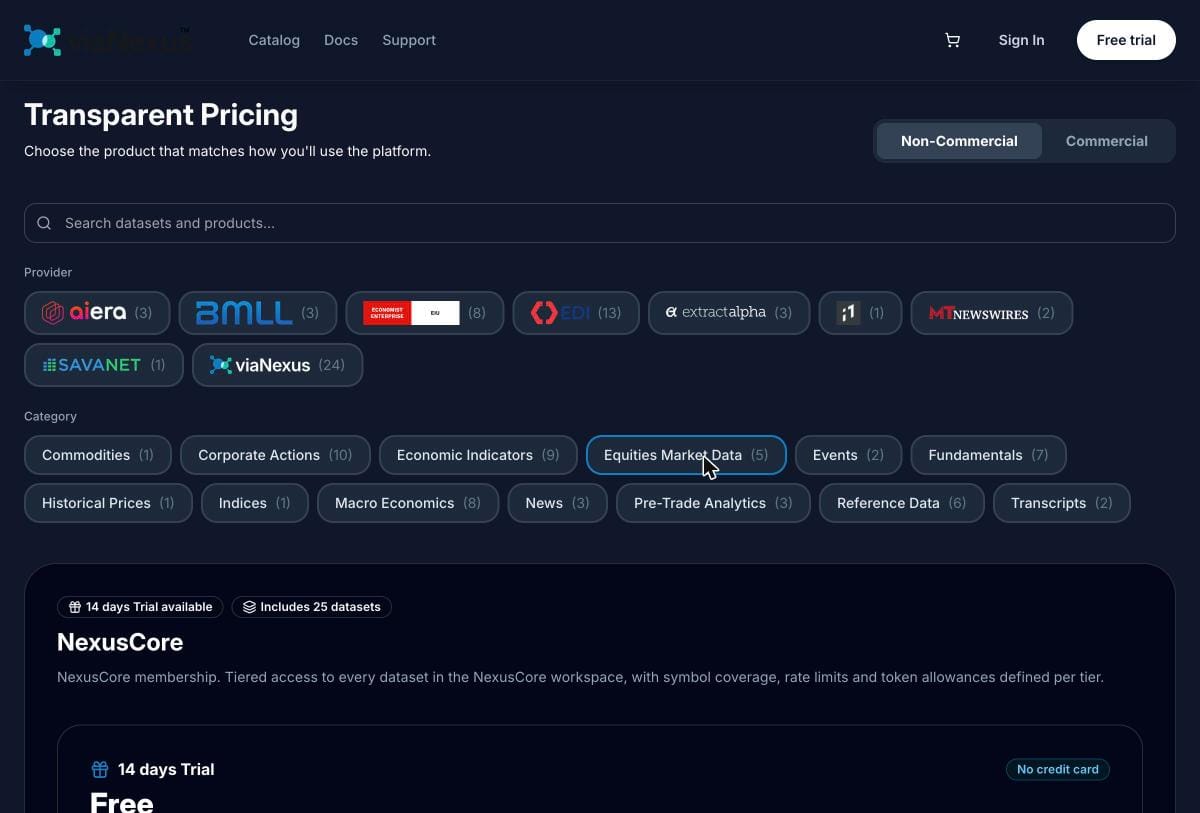
Browse what is available in the data catalog.
Connecting
Claude: Search for viaNexus in the integrations directory. Click Connect. Sign in. Done.
Cursor: Add the endpoint and your API key to .cursor/mcp.json. The Cursor setup guide walks through it.
Other MCP clients: Point at https://vast.blueskyapi.com/vianexus/mcp with an x-api-key header carrying your pk_ or sk_ token.
See it in action
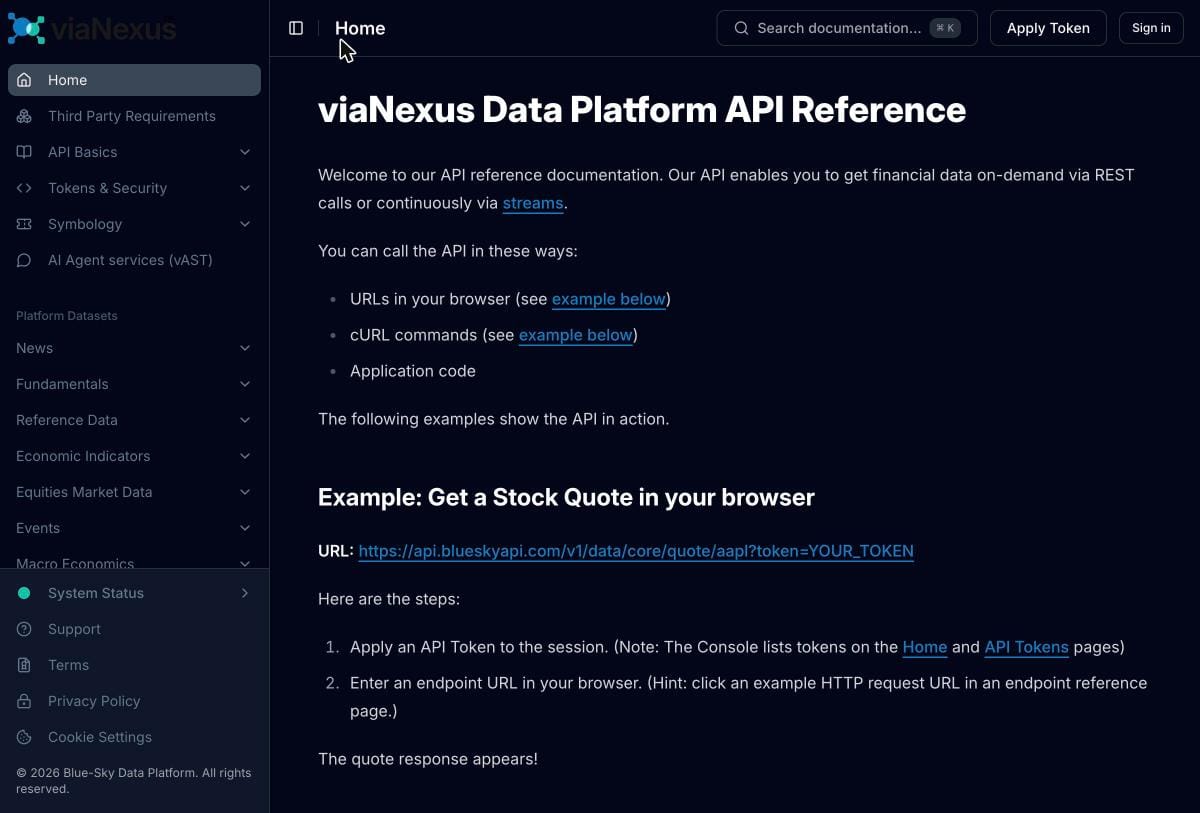
Live market dashboard: We built a Claude skill that renders a live market dashboard during a conversation, pulling prices, news, and fundamentals in real time through the MCP server. It is the same connection and the same data your own agent integration would use.
Try it yourself: Search for viaNexus in the Claude integrations directory and connect. Then ask Claude something like "compare AAPL and MSFT revenue growth over the last 4 quarters." The agent calls search, fetch, and does the math, all in one conversation.
Pricing
The MCP server is included in every plan at no extra charge. You pay for the data. Start with the 14-day free trial (no credit card) and the agent can reach everything. Catalog and pricing.
Related
- MCP Server Guide — the full tool reference and connection instructions.
- Earnings Calendar API — SEC-confirmed dates, the dataset the agent uses most.
- Stock Fundamentals API — normalized financials from SavaNet.
- OAuth and Software Statements — how entitlements are enforced.